Introducing Ag3ntum: a Secure, Self-Hosted AI Agent for Production Servers
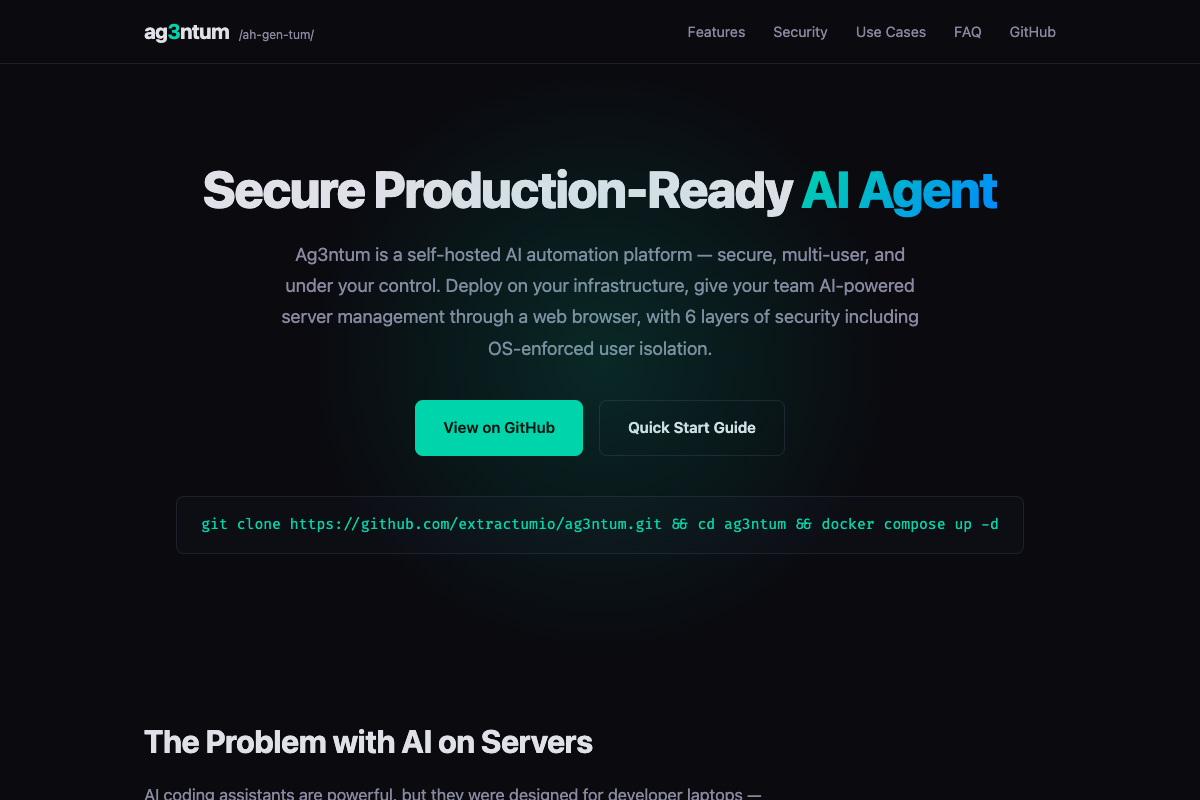
AI coding assistants are remarkably capable — but they were built for a single developer's laptop, not for production servers handling real business workloads. Today we are excited to announce Ag3ntum, a self-hosted AI automation platform that is secure, multi-user, and entirely under your control. You deploy it on your own infrastructure and give your whole team AI-powered server management and document processing through a web browser — with six layers of security including OS-enforced user isolation.
The Problem with AI on Servers
General-purpose AI agents typically get unrestricted shell access. One hallucinated rm -rf / or DROP DATABASE and a production server is gone — no responsible sysadmin would allow that. CLI-based tools also run as a single local user, so there is no safe, audited way to give a team browser-based access. And when something does happen, you are left with a chat log instead of a structured, replayable audit trail. Compliance teams and incident responders deserve better.
What Ag3ntum Does
Ag3ntum transforms Claude Code into a secure, multi-tenant automation platform that you run on your own servers. It keeps the reasoning power of a modern AI agent, but wraps every action in defense-in-depth security and complete execution transparency — purpose-built for production rather than the workstation.
Six Layers of Defense-in-Depth Security
Security is enforced by the operating system, not by prompts. Ag3ntum combines Docker isolation, Bubblewrap sandboxing, per-user UID dropping with seccomp profiles, an OS-level PathValidator, a command filter spanning 129 destructive-command patterns across 18 categories, and automatic secrets redaction in all output and file previews. Root access is simply not possible.
Built for Teams, Not Just Laptops
Each user runs under their own Linux UID, with an isolated workspace, home directory, Python virtual environment, and sandboxed environment variables. User A cannot reach User B's data — that boundary is enforced by the kernel. Access happens from any web browser, so hosting providers and ops teams can safely manage many servers without local installs.
Beyond Code: Document Processing
Ag3ntum processes business documents, not just source files: PDFs with automatic OCR, Office formats (DOCX, XLSX, PPTX), CSV and Parquet, ZIP and TAR archives, images, and audio. Drag in an invoice through the visual file explorer and get structured data out — complete with drag-and-drop upload, a live file tree, click-to-preview with syntax highlighting, and one-click download.
Full Execution Transparency
Every operation — Bash, Read, Write, Edit, Glob, Grep, WebFetch — runs through eleven security-enforced custom MCP tools that replace the native Claude Code tools, so there are no bypasses. A drill-down audit UI shows commands, their output, and the AI's reasoning, while an async human-in-the-loop workflow lets a reviewer approve critical operations via the web hours or even days later, with the session resuming automatically. A full REST API with real-time SSE streaming makes it easy to integrate into existing pipelines.
Deploy in Minutes
Getting started takes about fifteen minutes with Docker Compose:
git clone https://github.com/extractumio/ag3ntum.git && cd ag3ntum && docker compose up -d
Ag3ntum is the production-grade complement to everything we build at EXTRACTUM.IO: take the automation power of modern AI agents and run it on your own infrastructure, with the security, multi-tenancy, and audit trail that real operations demand.
Explore the platform and read the documentation at ag3ntum.com, or dive straight into the code on GitHub.
git clone https://github.com/extractumio/ag3ntum.git && cd ag3ntum && docker compose up -d
Ag3ntum is the production-grade complement to everything we build at EXTRACTUM.IO: take the automation power of modern AI agents and run it on your own infrastructure, with the security, multi-tenancy, and audit trail that real operations demand.
Explore the platform and read the documentation at ag3ntum.com, or dive straight into the code on GitHub.